
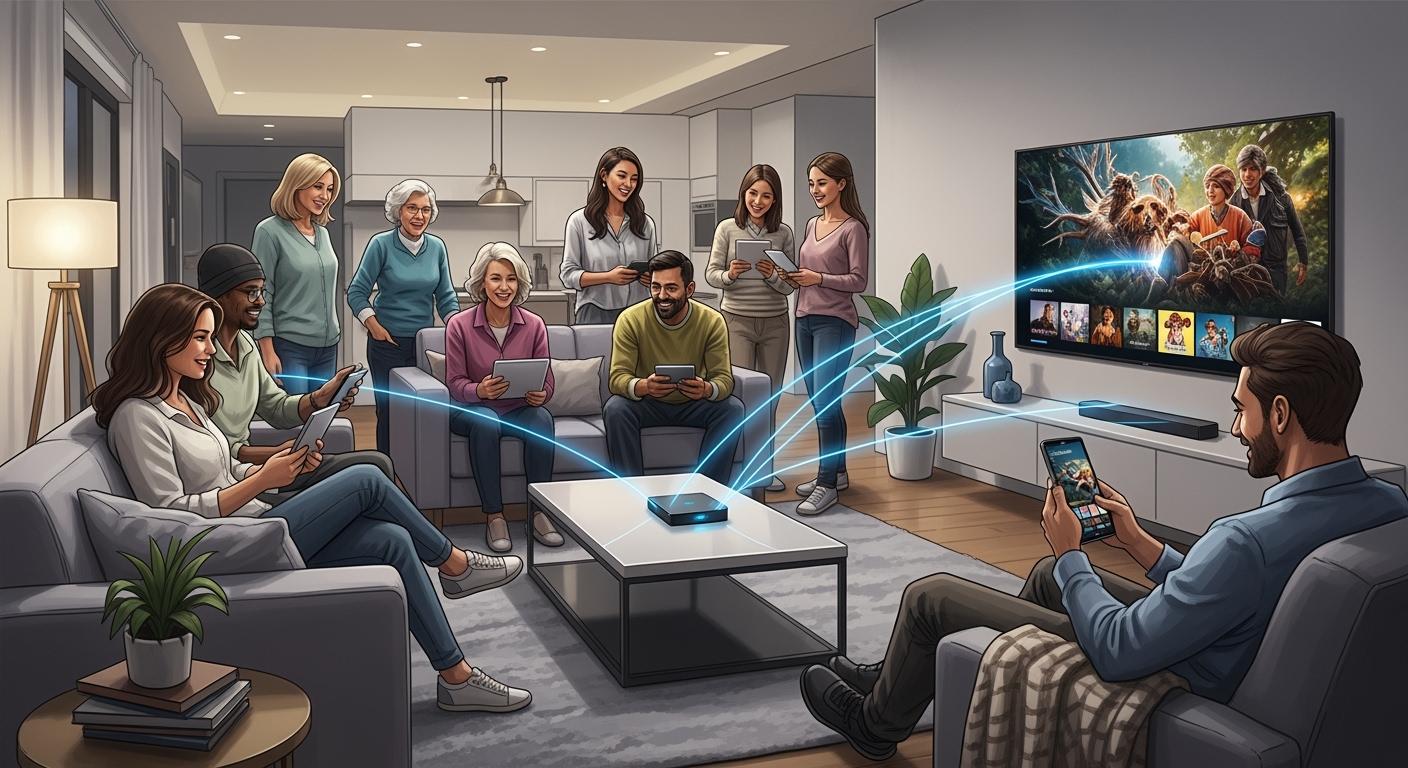
Streaming can seem hard, but VSeeBox simplifies the process, making it easy for everyone. You can watch your favorite shows without stress, and there are no monthly fees to worry about. You do not need to set up anything complicated, and it does not matter if you know a lot about tech or not. You will find it simple to use. Here are some features that help everyone:
Feature | Why It Helps You |
|---|---|
Simple for all ages and skill levels | |
Simplified remote | Only the buttons you need, nothing confusing |
Large-font display | Big and clear words, easy to read from far away |
Seamless app access | Quickly find Netflix, Disney+, or other apps you like |
Flexible connections | Works with almost any TV or setup |
Key Takeaways
VSeeBox has a simple interface. It uses big fonts and bright colors. This helps everyone use it easily.
The remote control is easy to use. It has big buttons and a simple design. This is great for seniors and kids.
Setting up is fast and simple. Plug in the device and follow the steps on the screen. You can start streaming in a few minutes.
VSeeBox works with almost any TV. It supports many popular streaming apps. You can watch lots of shows without paying extra.
The device has smart search and gives you show suggestions. This helps you find and watch your favorite shows easily.
1. VSeeBox Simplifies User Experience
Intuitive Interface
You want a streaming device that feels easy from the start. VSeeBox Simplifies your experience with a large-font, high-contrast interface. You can read everything on the screen, even if you sit far from the TV. The Elite Ultra model stands out for elderly users. You do not have to squint or guess what the menu says. The bright colors and clear words help you find what you want fast.
Big, bold text makes menus simple to read.
High-contrast colors help you see options clearly.
Easy-to-understand icons show you where to go next.
You will not get lost in confusing menus. The V5 Pro model gives you smooth navigation and fast speed. You can move from one app to another without waiting. You do not need to worry about slow loading or lag. Everything feels quick and simple.
Tip: If you have family members who do not like tech, they will love how VSeeBox Simplifies the way they watch TV.
Easy Remote Control
You do not want a remote with too many buttons. VSeeBox Simplifies things with a remote that only has what you need. The buttons are big and easy to press. You can change the channel, adjust the volume, or open your favorite app with just one click.
Simple layout means you do not have to search for the right button.
Large buttons help if you have trouble seeing small text.
The remote works well for kids, adults, and seniors.
If you choose the Elite Ultra model, you get a remote that is perfect for elderly users. You do not need to remember complicated steps. Just point and click. The V5 Pro model also gives you fast response, so you do not have to wait for the TV to catch up.
You will notice how VSeeBox Simplifies every part of watching TV. You spend less time figuring things out and more time enjoying your shows.
2. Quick Setup

Plug-and-Play Design
You do not need to be a tech expert to get started with VSeeBox. The setup process feels simple and quick. You just take the device out of the box, plug it into your TV, and connect it to power. That’s it! You do not have to read a thick manual or follow confusing steps.
No tools needed
No complicated wires
No waiting for long updates
You can start watching your favorite shows in minutes. VSeeBox Simplifies the whole process so you do not waste time. If you want to help a friend or family member, you can show them how to set it up in just a few steps.
Tip: If you move the device to another room or TV, you can set it up again just as fast.
Fast Configuration
After you plug in VSeeBox, you see a simple welcome screen. You follow easy instructions on the TV. The menu uses big words and clear pictures. You do not have to guess what to do next.
Choose your language
Connect to Wi-Fi
Pick your favorite apps
The V6 Plus model comes with a backlit remote. You can use it in the dark or in a dim room. The buttons light up, so you never press the wrong one. This feature helps you watch TV at night without turning on a lamp.
You finish setup in less than ten minutes. You do not need to call for help or search online for answers. VSeeBox Simplifies streaming from the very first step.
3. Broad Compatibility
Works with TVs and Devices
You want a device that fits right into your home. VSeeBox works with almost any TV, whether it’s new or old. You just plug it in, and you’re ready to go. You don’t need to worry about special cables or adapters. The device connects easily with HDMI, so you can use it with flat screens, smart TVs, or even older models.
VSeeBox Simplifies your setup by making sure you don’t have to buy extra equipment. You get strong performance, too. The device uses a 64-bit quad-core ARM Cortex-A53 CPU and an ARM Mali-G31 GPU. This means you get smooth streaming, even when you watch live TV or movies. You also get 4GB of RAM and 128GB of storage, so you can keep your favorite apps and shows right on the device.
Tip: Dual-band WiFi (2.4G & 5G) and a 1000M Ethernet port give you a stable connection. You won’t have to deal with annoying buffering or dropped signals.
Supports Streaming Apps
You want choices when it comes to what you watch. VSeeBox lets you download apps from the Google Play Store. You can pick Netflix, Disney+, YouTube, or any other streaming app you love. The device supports HD, 4K, and even 8K Ultra HD content. This means you see sharp images, bright colors, and smooth video every time.
Maximum Resolution | Content Quality Impact |
|---|---|
8K Ultra HD | Incredibly sharp images, rich colors, and smooth playback, ensuring the best possible picture quality for years to come. |
You get access to live TV, movies, and shows without interruptions. The advanced video decoding technology and H.265 compression help videos load fast and play smoothly. Regular updates keep your device running its best.
Feature | Description |
|---|---|
Streaming Capability | Supports 6K Ultra HD content at 60fps |
Video Decoding Technology | Advanced decoding for minimal buffering |
Compression Technology | H.265 for better bandwidth efficiency |
Updates | Regular over-the-air updates for new features and optimizations |
You can watch what you want, when you want, and never miss out on the latest shows or sports.
4. Effortless Content Discovery
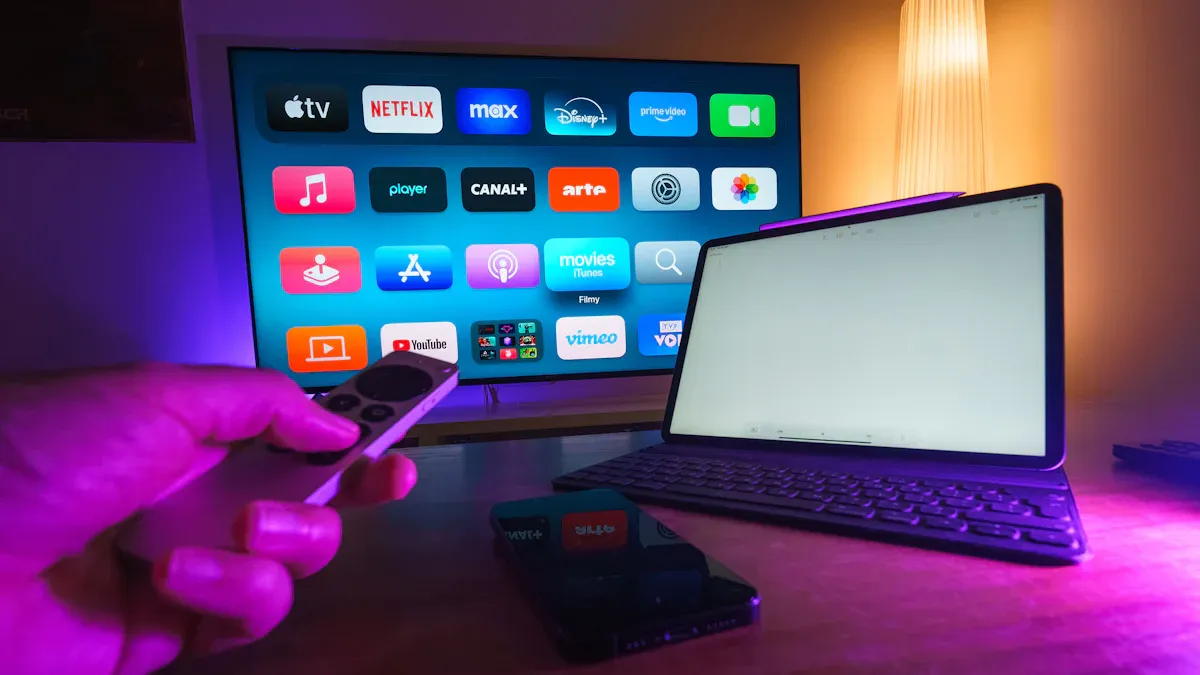
Smart Search
You want to find your favorite shows fast. VSeeBox gives you a smart search tool that makes this easy. You just type the name of a show, movie, or sports team. The device finds it for you in seconds. You do not need to scroll through endless menus or guess where to look. The search works across all your apps, so you see results from everywhere at once.
Search by title, actor, or even genre
Get instant results from TV, movies, and sports
Save time and start watching right away
You can use the remote or the on-screen keyboard. The search is simple, even if you do not like typing. You will not waste time looking for what you want.
Personalized Picks
VSeeBox learns what you like to watch. The device suggests new shows, movies, and sports events based on your viewing habits. You see recommendations right on your home screen. You do not have to hunt for something new. The picks change as you watch more, so you always get fresh ideas.
VSeeBox provides access to over 2,000 channels, including popular US networks and local favorites, without any subscription fees. It allows users to watch full seasons of TV series, catch up on movies, and enjoy live sports events without additional costs.
You get unlimited streaming without worrying about monthly bills. Here’s what you enjoy with VSeeBox:
Unlimited access to TV shows, movies, and sports
No monthly subscription fees or hidden costs
Instant access to live sports events from major leagues like NFL, NBA, and MLB
You can watch what you love, discover new favorites, and never miss a big game. VSeeBox makes content discovery simple and fun for everyone in your home.
5. Support and Accessibility
Customer Help
You want help fast when you run into a problem. VSeeBox gives you support that is always ready. You get a one-year warranty, so you feel safe with your purchase. If you need technical help, you can reach out any time—day or night. The support team answers critical issues in less than four hours. That means you do not have to wait long if your device stops working. You can even get on-site repair if you need it.
Here’s a quick look at your support options:
Support Option | Details |
|---|---|
Warranty | 1-year warranty |
Technical Support | 24/7 technical support |
Response Time for Critical Issues | <4 hours SLA for critical issues |
On-site Repair Services | Available |
RMA Programs | Confirm availability |
You might worry about common problems like buffering or freezing. VSeeBox makes it easy to fix these. You can clear the app cache, adjust video settings, or do a quick reset. The support team will walk you through every step.
If you ever feel stuck, just ask for help. You will get answers fast.
Language Options
You do not need to speak perfect English to use VSeeBox. The device lets you pick your language during setup. The menus use big words and clear pictures, so you always know what to do next. If you have limited tech experience, VSeeBox gives you tools that make things simple.
Check out some features that help you:
Feature | Description |
|---|---|
Bluetooth 5.0 | Connect headphones or keyboards for easy use. |
Watch local channels without cable. | |
7-Day Playback | Rewatch shows from the past week. |
Custom Channel Favorites | Make a folder for your favorite channels. |
Exclusive Sports Streaming | Use a special app for all your sports. |
You can set up your favorite channels, connect wireless headphones, and even rewatch shows you missed. VSeeBox wants everyone to enjoy streaming, no matter their age or tech skills.
With VSeeBox, you always have support and tools that make streaming easy for you.
You want streaming to feel easy. VSeeBox gives you that. You get a device that works for everyone, no matter your age or tech skills. You do not need a subscription. You just plug it in and start watching. Check out what users love most:
Benefit | What You Get |
|---|---|
High Definition Picture Quality | 4K HDR and 8K decoding for sharp, clear images |
Easy Connection | Simple HDMI setup for any TV |
Smart Features | Quick access to apps and content |
VSeeBox keeps streaming simple and unlimited for you and your family.
FAQ
1. Do I need a subscription to use VSeeBox?
No, you do not need a subscription. You pay once for the device. You can watch TV, movies, and sports without monthly fees. Enjoy unlimited streaming!
2. Can I use VSeeBox with any TV?
Yes! VSeeBox works with almost any TV that has an HDMI port. Just plug it in, follow the setup steps, and start watching.
3. Is VSeeBox easy for seniors and kids to use?
Absolutely! The remote has big buttons. The menus use large fonts and clear icons. Seniors and kids can find shows and apps without trouble.
4. What if I need help setting up my VSeeBox?
You can contact customer support 24/7. The team answers quickly and helps you step by step. You also get a one-year warranty for peace of mind.
5. Can I watch live sports and local channels?
Yes! VSeeBox gives you access to live sports, local channels, and over 2,000 options. You never miss your favorite games or shows.
See Also
Streaming Made Simple For All With Vseebox
Setting Up And Utilizing The Vseebox V5 Pro
Evaluating The Legality And Safety Of VSeeBox In 2026