
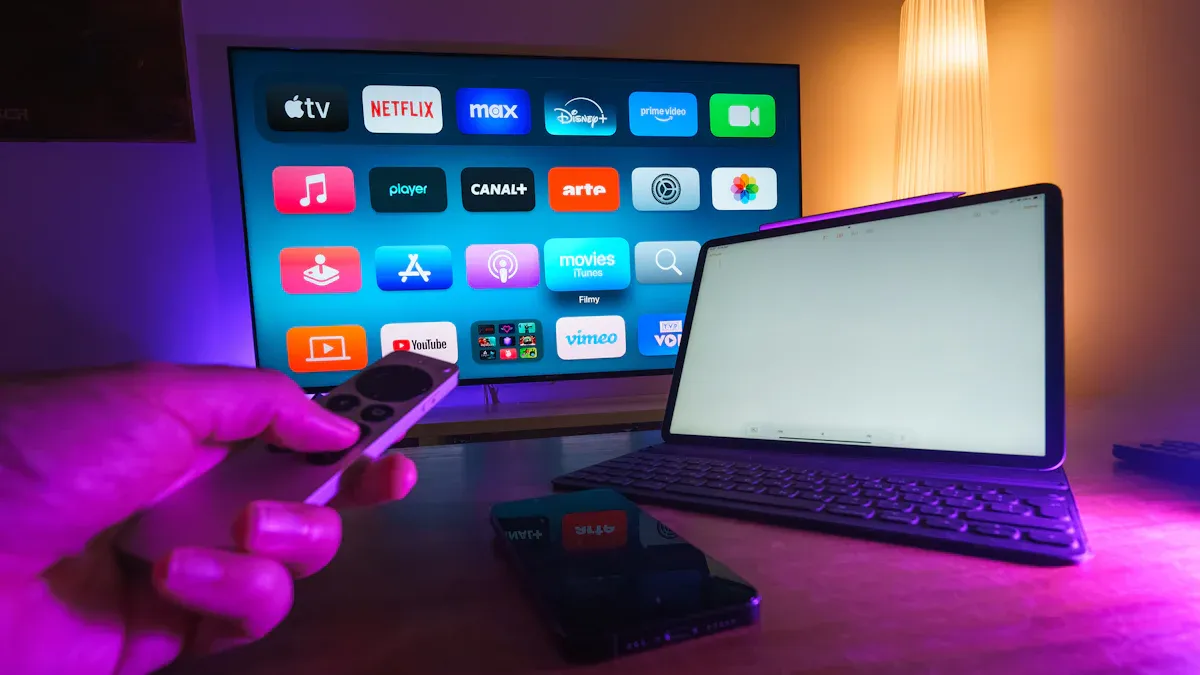
I think the vseebox v6 max is the best android tv box for people who want great streaming. This device uses the new android 14 system and a strong Amlogic S905Y4 chipset. It has 8K HDR, WiFi 6, and a remote with lights. I can set it up fast and use it right away. The main features are very good, especially when I look at tv box guides or android tv box guides. I can find my favorite shows fast and learn how to pick the best tv box by looking at real features.
Key Takeaways
The vSeeBox V6 Max uses Android 14 and a strong chipset for fast streaming.
It supports 8K video and HDR for clear and bright pictures.
WiFi 6 and Bluetooth 5.0 ensure stable connections.
The remote has a backlight, making it easy to use in the dark.
Automatic updates keep the device secure and up-to-date.
vSeeBox V6 Max Performance
Processing Power & Speed
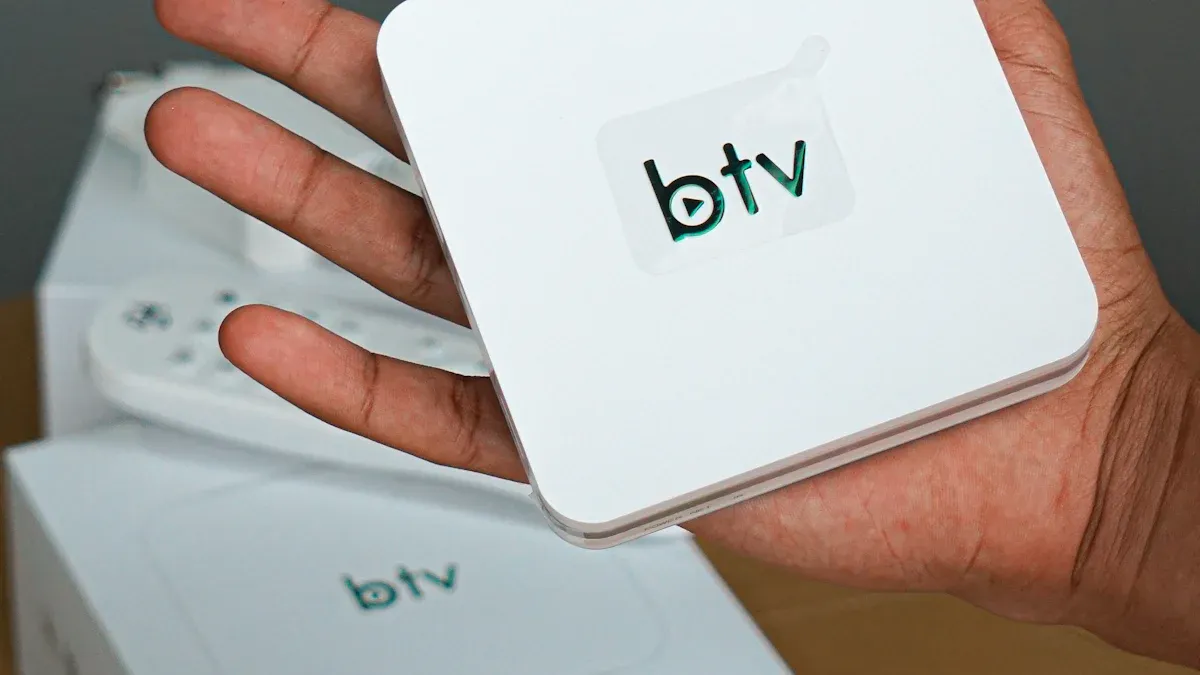
When I first tried the vseebox v6 max, I noticed the speed right away. The Amlogic S905Y4 chipset makes this android tv box stand out from others. I have used many devices, but this one feels faster. The android 14 system works well with the chipset. I can open apps quickly. I can switch between iptv channels without any lag. The memory management is strong. I do not see apps crashing or freezing.
I like how the vseebox handles multitasking. I can watch iptv and check other apps at the same time. The device does not slow down. I think the performance is better than most other android tv box models I have used. The setup is simple. I can get everything ready in just a few minutes. The android system updates itself, so I do not worry about missing new features.
Tip: If you want smooth streaming, choose a device with a strong chipset and the latest android system. The vseebox v6 max checks both boxes.
8K Playback & HDR Quality
I love watching movies and sports in 8k. The vseebox v6 max supports 8k playback at 60 frames per second. The playback quality is sharp. Colors look bright and real. I see every detail, even in fast action scenes. The device supports AV1, VP9, H.264, and H.265 formats. This means I can play almost any video file.
When I use iptv, the picture stays clear. The HDR feature makes dark scenes look deep and bright scenes look vivid. I tested the vseebox with different 8k videos. Each time, the playback stayed smooth. I did not see any stuttering or buffering. The HDMI 2.1 output helps deliver the best quality.
I also like the excellent connectivity. The WiFi 6 and Ethernet options keep my streaming stable. I can watch iptv for hours without losing signal. The android system helps keep everything running well. I use the vseebox for both movies and live iptv. The performance always impresses me.
Here is a quick look at what I get with the vseebox v6 max:
Feature | Benefit |
|---|---|
Amlogic S905Y4 | Fast processing |
Android 14 | Smooth updates and security |
8K/60fps Playback | Ultra-clear video |
HDR Support | Bright, vivid colors |
WiFi 6 & Ethernet | |
AV1/VP9/H.264/H.265 | Wide format support |
I think the vseebox v6 max is perfect for anyone who wants top performance and the best 8k experience. The setup is easy, and the android system keeps everything simple. I use it every day for iptv and streaming. The quality never lets me down.
Upgrade Your Streaming Experience
Discover the vSeeBox V6 Max and elevate your home entertainment with stunning 8K HDR quality.
Feature Product Comparison
Unique Features of vSeeBox
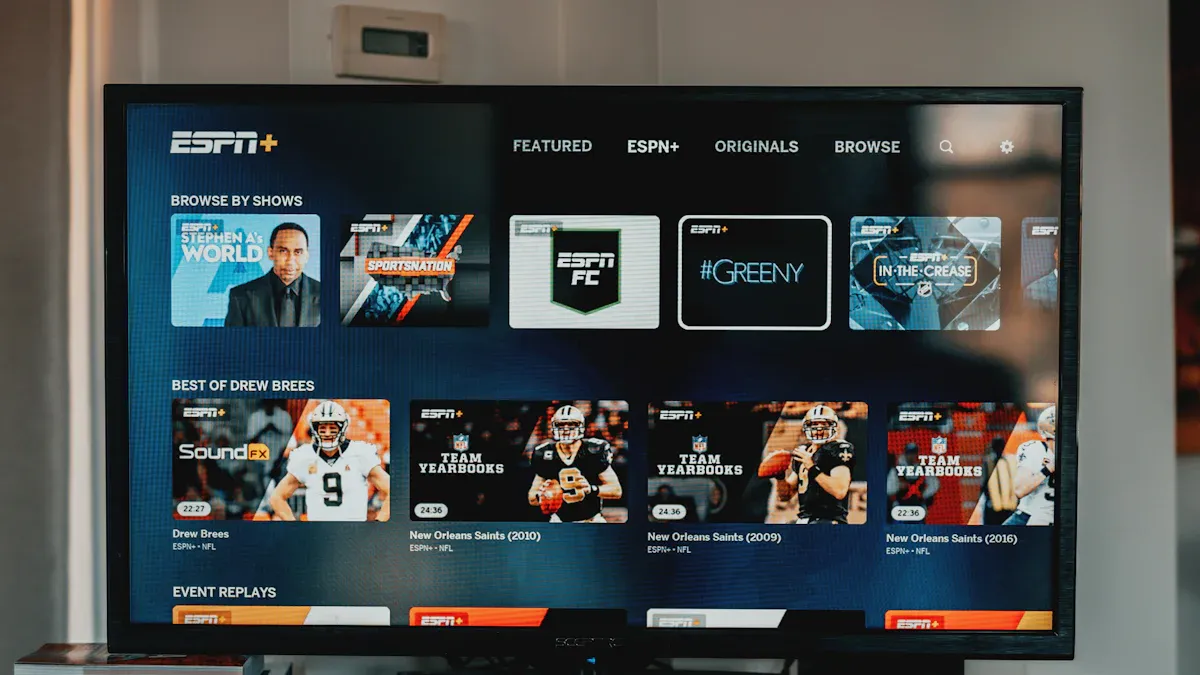
The vseebox v6 max has special features. These features make it stand out from other 8K TV boxes. I use this device every day. Streaming and watching shows is easy for me. Here are some unique things about the vseebox v6 max:
It supports AV1, VP9, H.264, and H.265 decoding. I can play almost any video file. This means I do not worry about file types.
The HDMI 2.1 output makes movies and sports look sharp. The colors are bright and clear.
With WiFi 6 and Bluetooth 5.0, I connect fast. My internet and speakers stay connected without problems.
The remote has a backlight. I can use it in the dark with no trouble.
The auto-update system keeps my device updated. I do not need to check or install updates myself.
I want to show how the auto-update feature helps me. Other TV boxes do not have this. Here is a table that shows the difference:
Feature | vSeeBox V6 Max (Auto-Update) | Other 8K TV Boxes (Manual Update) |
|---|---|---|
Update Method | Over-the-air (OTA) | Manual updates required |
User Experience Impact | Seamless, hassle-free | Potentially cumbersome |
Frequency of Updates | Automatic | User-dependent |
I never worry about missing new features or security fixes. The vseebox v6 max updates itself. This keeps my streaming smooth and safe.
Common 8K TV Box Features
I have tried many 8K TV boxes. Most of them have some basic features. Here is a product comparison of what I usually see:
They can play 8K videos. High-resolution playback is common.
HDR support makes colors look bright and clear.
Dual-band WiFi gives stable internet.
Ethernet ports are found on most boxes.
Most remotes do not have backlights.
I have to check and install updates myself.
When I compare products, I see the vseebox v6 max is better. The auto-update system, backlit remote, and wide format support make it special. I get more convenience and a better experience with this device.
User Experience Comparative Reviews

Interface & Ease of Use
I always look for a TV box that feels easy to use. When I started using the vseebox, I noticed the interface right away. The home screen looks clean. I can find my favorite apps without searching for a long time. The icons are big and clear. I do not get lost in menus. Navigation is smooth. I move from one app to another with just a few clicks.
I like how the settings menu works. I can change the WiFi or picture settings in seconds. I do not need to read a thick manual. The Android 14 system helps make everything simple. I think this is important for families and older users. Kids can open their streaming apps without help. I feel confident showing my parents how to use it.
Tip: A simple interface saves time and makes streaming more fun.
Remote & App Support
The remote control makes a big difference for me. The backlit buttons help me watch TV at night. I do not need to turn on a lamp. The buttons feel solid. I can pause, play, or change the volume quickly. I also like that the remote uses Bluetooth. I do not have to point it right at the box.
I tried using different apps on the vseebox. I noticed better app compatibility compared to other TV boxes I have owned. I can install my favorite streaming apps from the Play Store. Each app loads fast. I do not see crashes or errors. This makes the device reliable for daily use.
Note: Good remote and app support make the whole experience better.
Value & Longevity

Price-to-Performance
When I look at the price of the vseebox v6 max, I see real value. I get a device that gives me smooth streaming and high-quality video. I do not pay extra for features I do not use. The vseebox offers lifetime streaming access, so I never worry about losing my favorite shows. I like that there are no monthly fees. This saves me money every year. Many other TV boxes ask for extra payments or subscriptions. I do not want that. I want a device that works well and does not cost more over time.
Tip: Always check if a TV box has hidden costs. I choose products that give me everything up front.
I also notice that the vseebox v6 max keeps its value. The strong hardware and new Android system mean I can use it for years. I do not need to upgrade soon. This makes it a smart buy for my home.
Updates & Warranty
I want my TV box to last. The vseebox v6 max updates itself. I do not have to do anything. The system gets better and safer with each update. This helps my device stay fast and secure. I like knowing my streaming will not stop because of old software.
Warranty matters to me. I checked the warranty details before I bought my device. Here is what I found:
Warranty Duration | Coverage Details |
|---|---|
Covers technical issues; does not cover water or physical damage. |
This warranty gives me peace of mind. If I have a problem, I know I can get help. Many other 8K TV boxes do not offer this level of support. I feel safe choosing the vseebox v6 max for my home.
Reliability of vSeeBox
Build Quality
When I first held the vseebox, I noticed the solid feel right away. The case feels sturdy and well-made. I do not worry about it breaking if I move it from room to room. The buttons on the remote click smoothly. The ports fit my cables without any trouble. I like that the device stays cool, even after hours of streaming. The vents on the sides help with airflow. I have dropped the remote a few times, but it still works like new.
Here are some things I look for in build quality:
Strong outer shell that protects the inside parts
Buttons that do not stick or break
Ports that hold cables tightly
Good heat control for long use
Note: A TV box with good build quality lasts longer and gives fewer problems.
Customer Support
I always check customer support before I buy any tech product. With vseebox, I found help when I needed it. The support team answered my questions fast. I reached out by email and got a reply within a day. The instructions in the box made setup easy for me. If I had a problem, I knew I could get help.
Here is a table that shows what I got from customer support:
Support Feature | My Experience |
|---|---|
Response Time | Less than 24 hours |
Helpfulness | Clear answers |
Warranty Service | Easy to use |
Setup Instructions | Simple and helpful |
I feel safe knowing I have a one-year warranty. If something goes wrong, I can ask for help. Good customer support makes me trust the brand more.
I think the vseebox v6 max is the best 8K TV box. It works fast and has cool features. I find it easy to use every time. The device updates itself, so I do not worry. The strong case makes me feel safe. I tell people to get this if they want better streaming. Try the vseebox v6 max and notice how good it is!
FAQ

How do I set up my vSeeBox V6 Max?
I plug in the power, connect the HDMI cable to my TV, and follow the on-screen steps. The setup takes just a few minutes. I use the remote to finish everything.
Can I use my favorite streaming apps?
Yes, I install apps like Netflix, YouTube, and others from the Google Play Store. I open the Play Store, search for the app, and tap install. The process is simple.
Does the vSeeBox V6 Max support 8K video?
Absolutely! I watch 8K videos at 60 frames per second. The picture looks sharp and clear. I enjoy movies and sports in amazing detail.
What should I do if I need help?
I contact customer support by email. I always get a reply within 24 hours. The team answers my questions and helps me solve any problems.
How often does the device update?
The vSeeBox V6 Max updates automatically. I do not need to check for updates. The system stays current and secure without any extra steps from me.
See Also
Discover Exciting New Features of VSeeBox V6 Plus
VSeeBox Simplifies Streaming for All Users
Step-by-Step Guide to Programming VSeeBox Remote in 2026